“An iOS game like you’ve never seen before.” Gizmodo“A gorgeous, intense, and rewarding adventure.” IGN“A masterful mobile epic.” USA Today“A revolution.” Pocket Gamer“It doesn’t get more ‘must have’ than this.” TouchArcade“More powerful than ever.” Kotaku“A platform-defining series.” AppSpy“Utterly delicious to look at.” Engadget
“An iOS game like you’ve never seen before.” Gizmodo“A gorgeous, intense, and rewarding adventure.” IGN“A masterful mobile epic.” USA Today“A revolution.” Pocket Gamer“It doesn’t get more ‘must have’ than this.” TouchArcade“More powerful than ever.” Kotaku“A platform-defining series.” AppSpy“Utterly delicious to look at.” Engadget
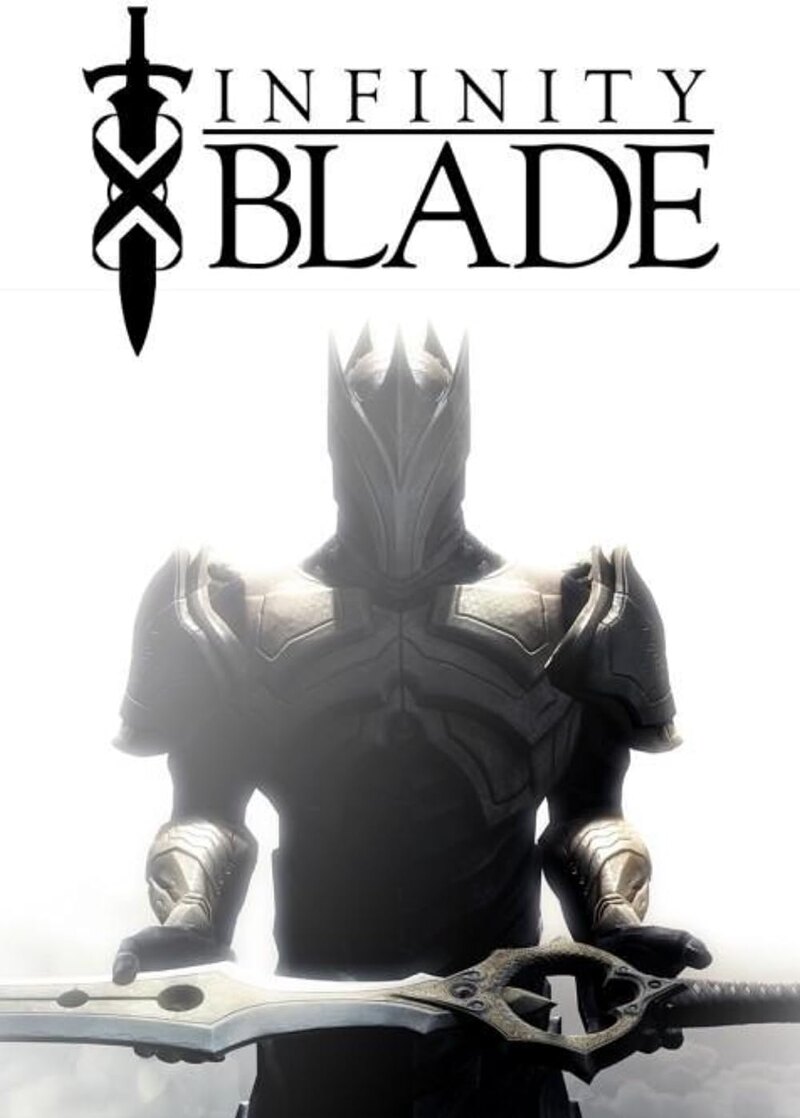
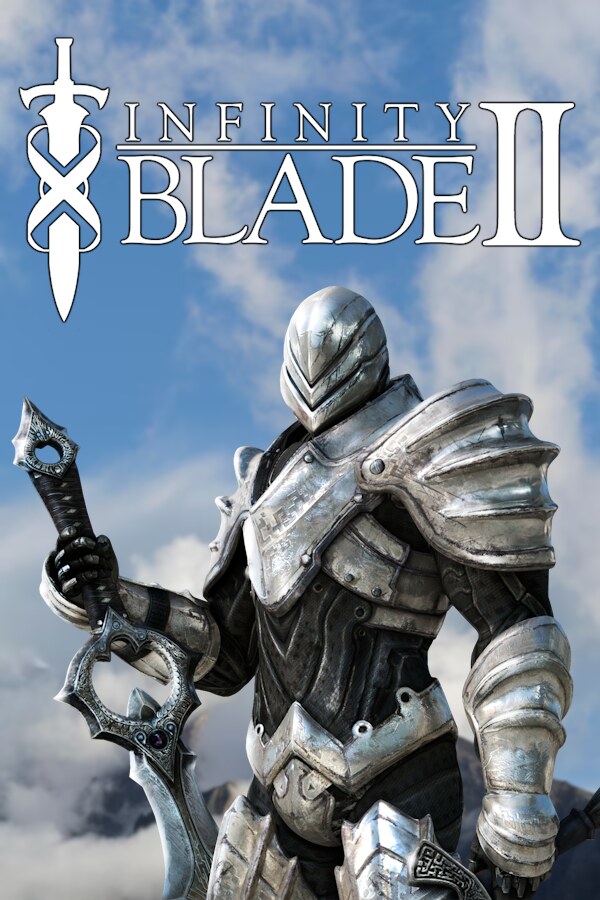
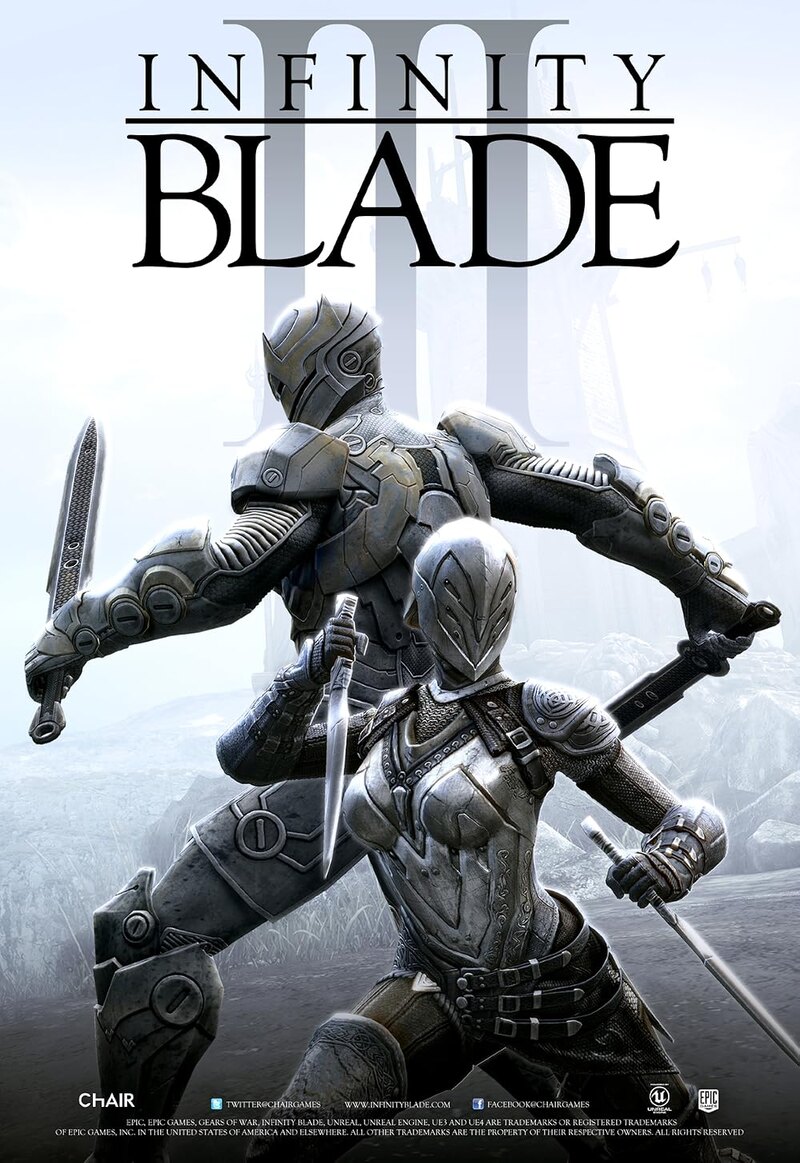
The trilogy
The blade remembers.
A bloodline forged in secret. A God King who cannot die. A world that keeps repeating its oldest mistake. Three chapters. One story.
Infinity Blade began as a handheld revelation: a console-scale action RPG that fit in a pocket. Across three chapters, it grew into a dark fantasy saga about immortality, inheritance, and the price of breaking a cycle.
These PC preservation builds keep the original combat, progression, and worlds intact, with the quality-of-life changes needed to play on a modern desktop. No storefront. No account. No online requirement.
For the players who never let the blade go.
Three chapters
Choose your chapter.
Each archive is a complete, pre-installed PC build. Extract it, run the launcher, and play.
Extract with 7-Zip, then run Infinity Blade III.exe from the game folder.
Preservation
Lost media, kept alive.
The trilogy is no longer sold or downloadable from its original storefront. These builds exist so the work can still be played.
◇
Original builds
Preserved from the PC ports, with the original worlds, combat, and progression intact.
⌁
PC enhancements
Keyboard and mouse controls, graphical options, and save transfer where the build supports it.
▣
Offline ready
No account, no storefront, no online check. Extract the archive and keep it on your own drive.
“A game is not preserved when it is remembered. It is preserved when it can still be played.”
Before you play
Four steps to the blade.
No installer. No launcher service. Just an archive and the game.
01
Download
Choose a chapter and save the archive.
02
Extract
Use 7-Zip or another archive tool. Keep the folder structure intact.
03
Run
Start Infinity Blade Launcher.exe for I & II, or Infinity Blade III.exe for III.
04
Play
Set your controls and graphics, then begin the descent.
PlatformWindows 10 / 1164-bit
GraphicsDirectX 9 / 11GPU with shader support
Memory4 GB+8 GB recommended
Storage3—7 GBper chapter, extracted
Windows may show a SmartScreen prompt for unsigned preservation builds. Use “More info” → “Run anyway” if you trust the archive and its checksum.
Questions
Before you download.
Short answers to the things people ask before opening the first gate.
Are these the original Infinity Blade games?
These are preserved PC builds of the original ports. The worlds, combat, and progression are intact; the packaging is unofficial and exists because the trilogy is no longer sold or downloadable from its original storefront.
Do I need an Epic account or an internet connection?
No. The games are offline-ready. Download the archive, extract it, and run the launcher. No account, storefront, or online check is required.
How do I install an Infinity Blade PC build?
Extract the archive with 7-Zip, keep the folder structure intact, then run Infinity Blade Launcher.exe for chapters I and II, or Infinity Blade III.exe for chapter III.
Why does Windows show a SmartScreen warning?
The preservation builds are unsigned. Windows may show a SmartScreen prompt; verify the SHA-256 checksum on the download page, then use “More info” → “Run anyway” if you trust the archive.
Which chapter should I play first?
Start with Infinity Blade, then continue to Infinity Blade II and Infinity Blade III. Each build is standalone, but the story and combat systems build across the trilogy.
The archive
All three chapters.
Complete builds, ready to extract. Keep the checksums; they are the only signature these files carry.